New · Sand.ai MAGI-2
MAGI 2 AI Video Generator
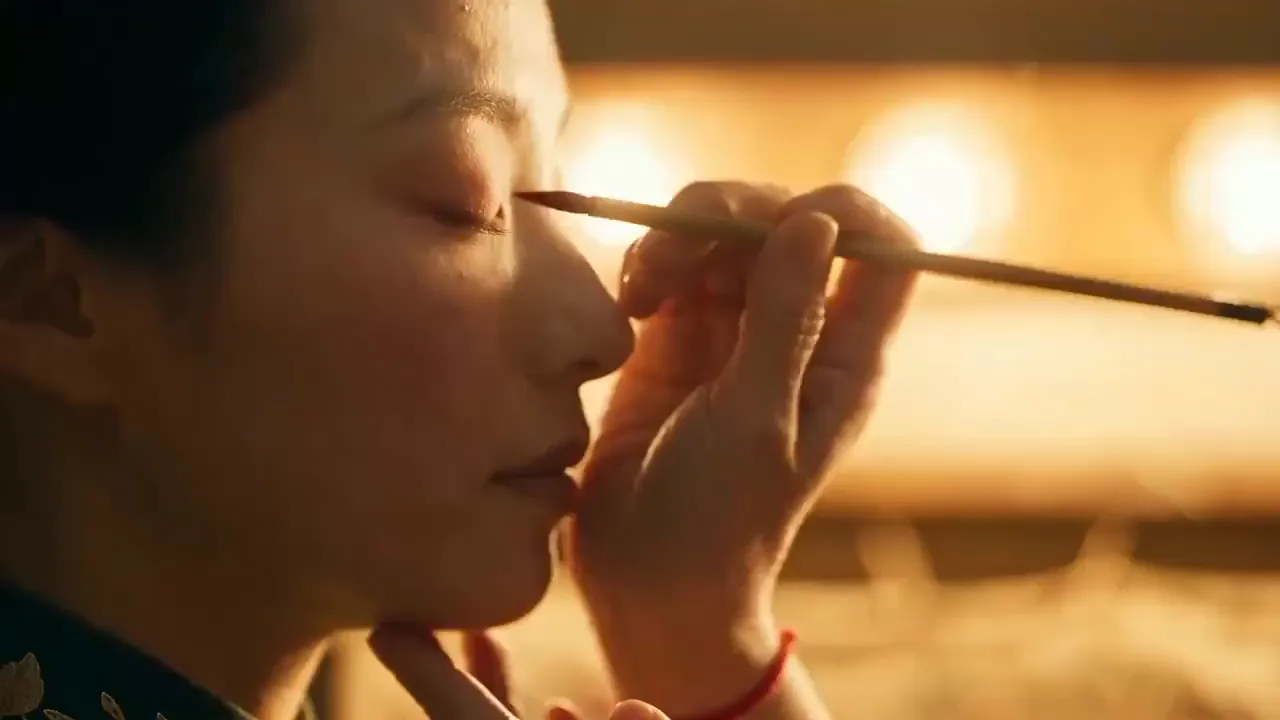
Describe a scene, add reference images, and let MAGI-2 turn it into a cinematic clip with motion, camera work and sound.
Showcase
MAGI 2 AI Video Showcase
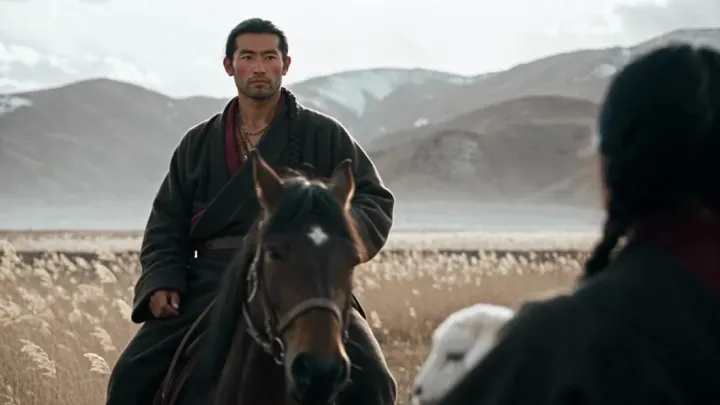
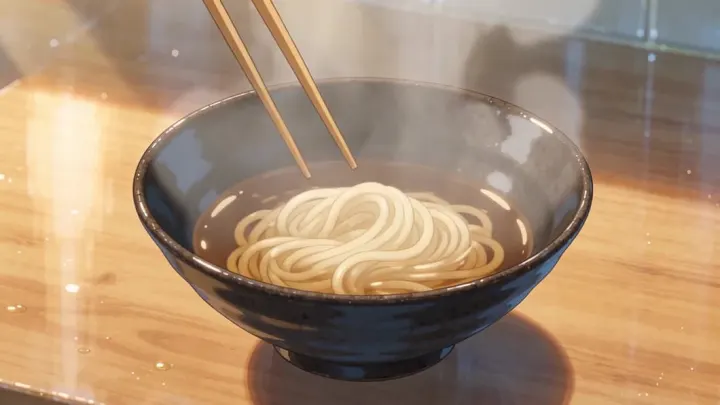
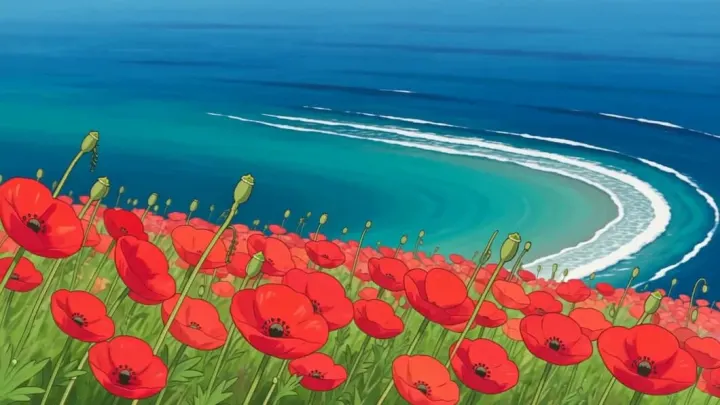
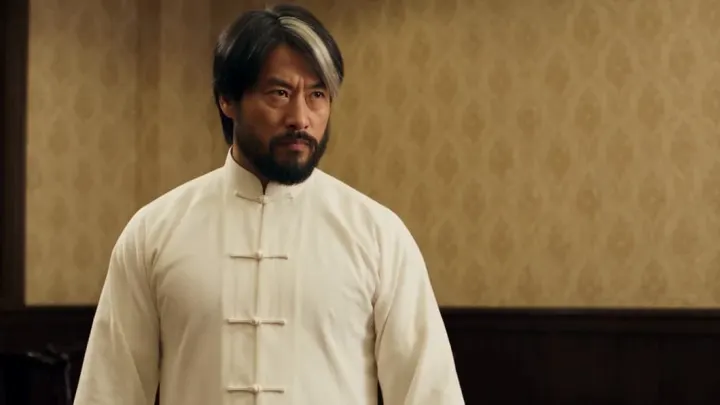
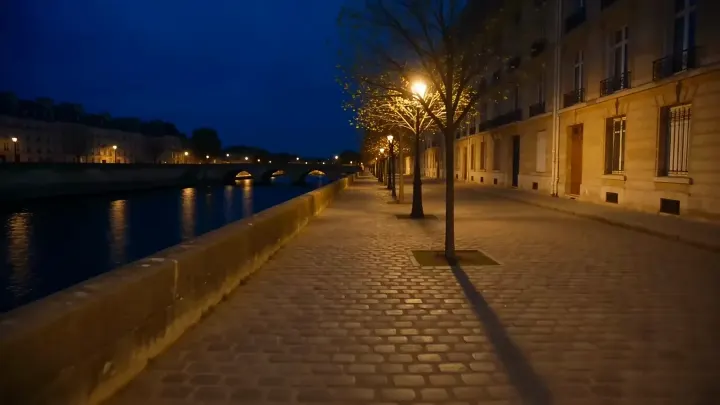
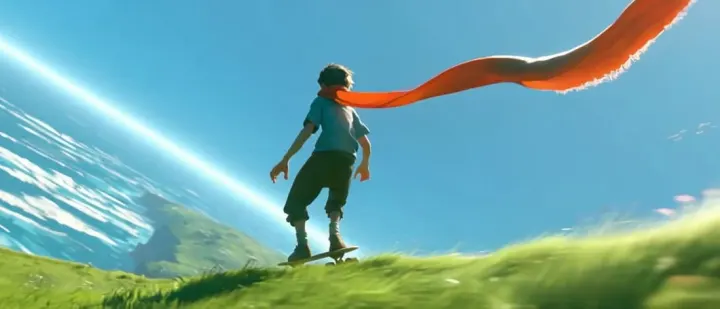
Real clips generated on this site from the exact prompts shown. Copy a prompt, or load it into the MAGI 2 AI generator above with one click and make it your own.
Prompt Inspiration
Get Inspired
What Is MAGI 2 AI?
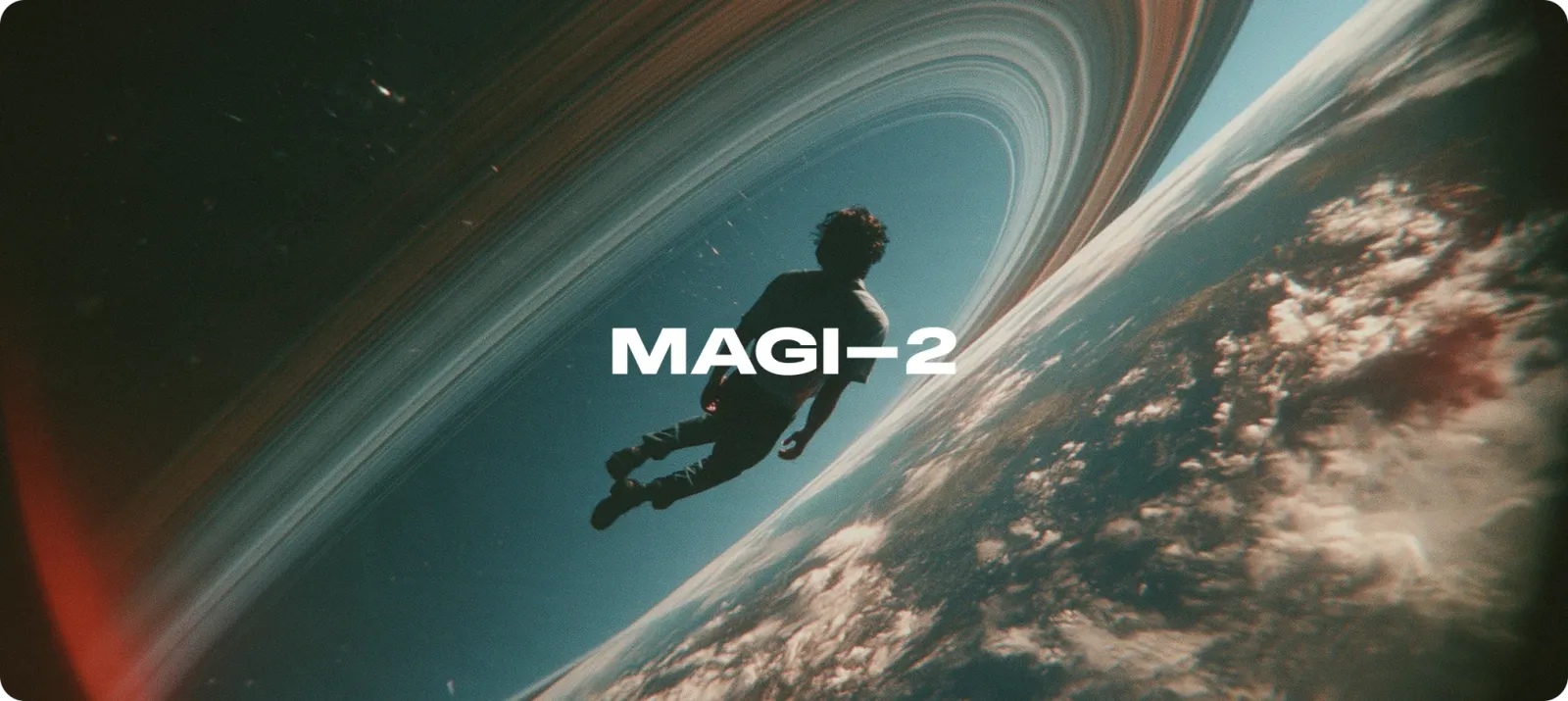
MAGI 2 AI is the second generation of the MAGI video models from Sand.ai. The flagship MAGI-2 model launched on November 24, 2026 and is built to generate video and audio together in a single pass: dialogue with lip-sync, foley, ambient sound and music arrive already matched to the picture.
Sand.ai describes MAGI-2 as a 480B-parameter model with roughly 28B parameters active per step. It produces up to 30 seconds of 1080p video at 25 frames per second in six aspect ratios, and it can follow up to 20 references in one request. That makes MAGI-2 a strong fit for short ads, character scenes and multi-shot stories that used to need several tools.
This page puts a MAGI 2 AI video generator at the top so you can write a prompt and start a clip right away, then explains the model specs, how to prompt it, and what is open source today.
MAGI-2 Specs at a Glance
| Spec | MAGI-2 |
|---|---|
| Developer | Sand.ai |
| Release date | November 24, 2026 |
| Parameters | 480B total, about 28B active |
| Max clip length | Up to 30 seconds |
| Resolution and frame rate | 1080p at 25 fps |
| Aspect ratios | Six aspect ratios |
| Audio | Native audio: dialogue with lip-sync, foley, ambient sound and music |
| References per request | Up to 20: 10 images, 5 videos and 5 audio clips |
| Open weights | Announced for MAGI-2; the smaller MAGI-2-preview is already open under Apache 2.0 |
How to Use the MAGI 2 AI Video Generator
- 01
Write the scene
Type what should happen in the shot: who is on screen, what they do, how the camera moves and what we should hear. MAGI-2 reads sound cues and spoken lines as part of the prompt.
- 02
Add references
Upload images of a character, product or location to keep the look consistent. References work best when each image shows one clear subject.
- 03
Pick length and format, then generate
Choose duration, aspect ratio and resolution, then press Generate. Your clip appears in My Videos, where you can play it, download it as MP4 or reuse the prompt for the next take.
What You Can Make with MAGI-2
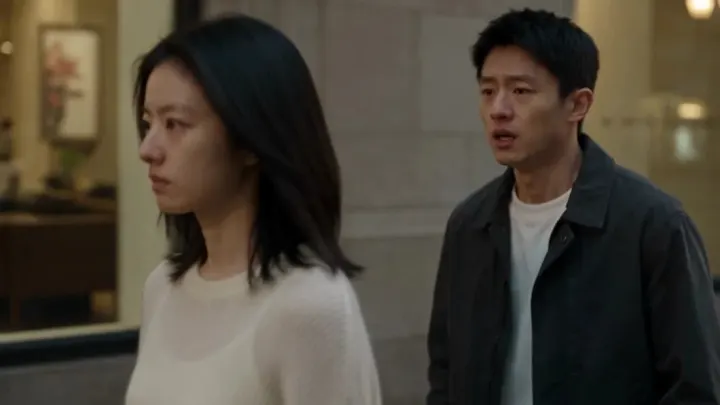
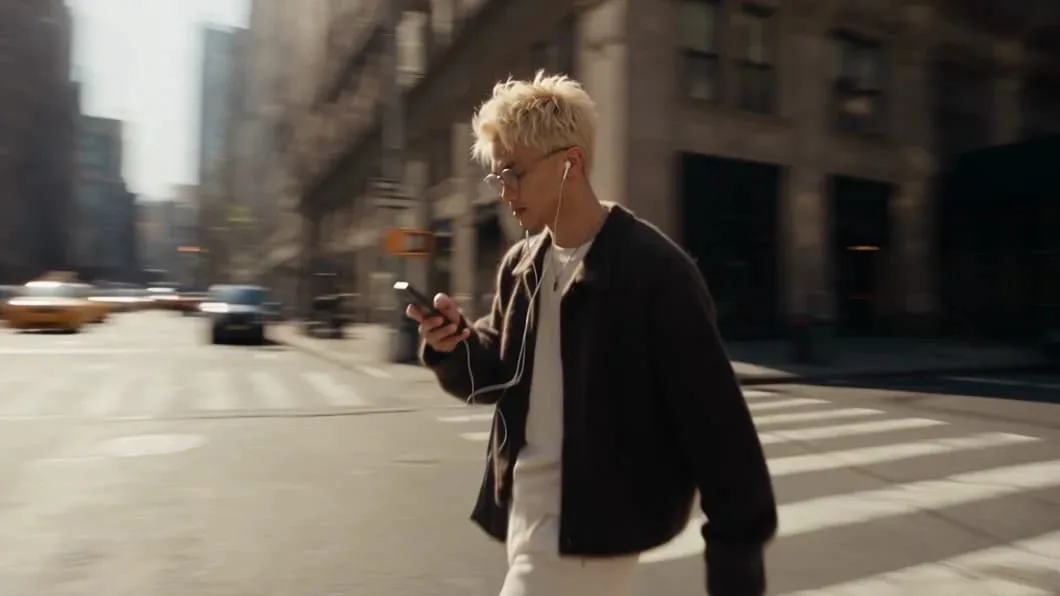
Because MAGI-2 generates speech and picture together, a character can deliver a line with matching lip movement, gestures and room tone. Keep lines short and put them in quotes in your prompt.
Studio-style product shots with controlled lighting, close-ups that hold texture, and a soundtrack that lands on the cut. Upload the product photo as a reference so the packaging stays accurate.
With up to 30 seconds per clip, MAGI-2 has room for a short sequence: an establishing shot, a reaction and a close-up. Describe each shot in order and name the camera move for each one.
Vertical 9:16 for Reels, Shorts and TikTok, square for feeds and wide 16:9 for YouTube. Generate a few takes, keep the best and download it ready to post.
Is MAGI-2 Open Source?
Partly. In August 2026 Sand.ai released MAGI-2-preview, a 114B-parameter model with about 6B active parameters, on Hugging Face under the Apache 2.0 license. The preview generates fixed 10-second clips and needs a multi-GPU data-center setup to run, so it is not practical on a single consumer graphics card.
For the full MAGI-2 model, Sand.ai has said it will release the weights together with a technical report, but no date has been published. Until then, the easiest way to try MAGI 2 AI is an online generator like the one on this page: no setup, no GPUs, and you pay only for the clips you make.
MAGI 2 AI vs Seedance 2.5 vs MiniMax H3
How the newest model compares with two popular video models, using each developer's published limits.
| Feature | MAGI-2 | Seedance 2.5 | MiniMax H3 |
|---|---|---|---|
| Max clip length | 30 s | 30 s | 15 s |
| Top resolution | 1080p | 1080p | 2K |
| Native audio | Yes, with lip-sync | Optional | Yes |
| Reference inputs | Images, video and audio (up to 20) | Images, video and audio | Images, video and audio |
Pick MAGI-2 when you want long takes with dialogue and sound designed in from the start.
Prompt Tips for Better MAGI-2 Videos
- Lead with the subject and the action, then add setting, lighting and mood.
- Name one camera move per shot, such as slow dolly-in, handheld follow or static wide.
- Write spoken lines in quotes and say who speaks them.
- Describe the soundscape: rain on glass, a busy café, a low synth pad.
- For several shots, number them and keep each description short.
- Reuse the same reference images across takes to keep a character consistent.
MAGI 2 AI FAQ
What is MAGI 2 AI?
Who developed MAGI-2?
How long can MAGI-2 videos be?
Does MAGI-2 generate audio?
Is MAGI-2 open source?
How many credits does a video cost?
Can I use MAGI-2 videos commercially?
Start Creating with MAGI 2 AI
Write a prompt, add a reference and generate your first MAGI-2 clip in minutes.
Open the generator